Auto-protocols
In addition to manual measurements, a protocol can also contain auto-protocols.
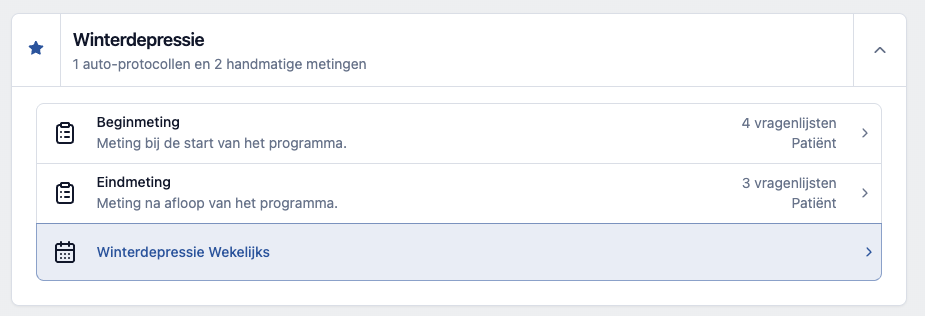
Select the auto-protocol to which you want to subscribe the patient.
Start
Set the moment when the protocol should come into effect and click "Start automatic protocol".

The patient is now subscribed to the auto-protocol. The subscription can be canceled at any time by clicking "Stop automatic protocol". On the overview page all active auto-protocols are listed, and from there you can easily return to the settings page and the stop button.
When the subscription to an auto-protocol starts measuring on the same day, the associated questionnaires also immediately appear in the list of prepared questionnaires at the top of the timeline and an invitation is sent immediately.